Globe Cash
For this subject we had to create an animation of a user using a chosen application.
I had chosen to make a UI for a currency exchange machine in an airport.
I used Adobe illustrator and after effects. I was new to both those programs, but I think I have learned a lot about the workflow and feel far more confident in my abilities now.
Final animation, the sounds are all folley I made myself.
At the start of this project we were tasked to create a guide character for our animation that fits with the location and use of the application. Here are a few (poorly) drawn sketches of ideas I had.

I ended up choosing for the Number 5, this was simple and clear without being to distracting and childish for my use case. After that I made 2 sketches to check how I want the character to display information.
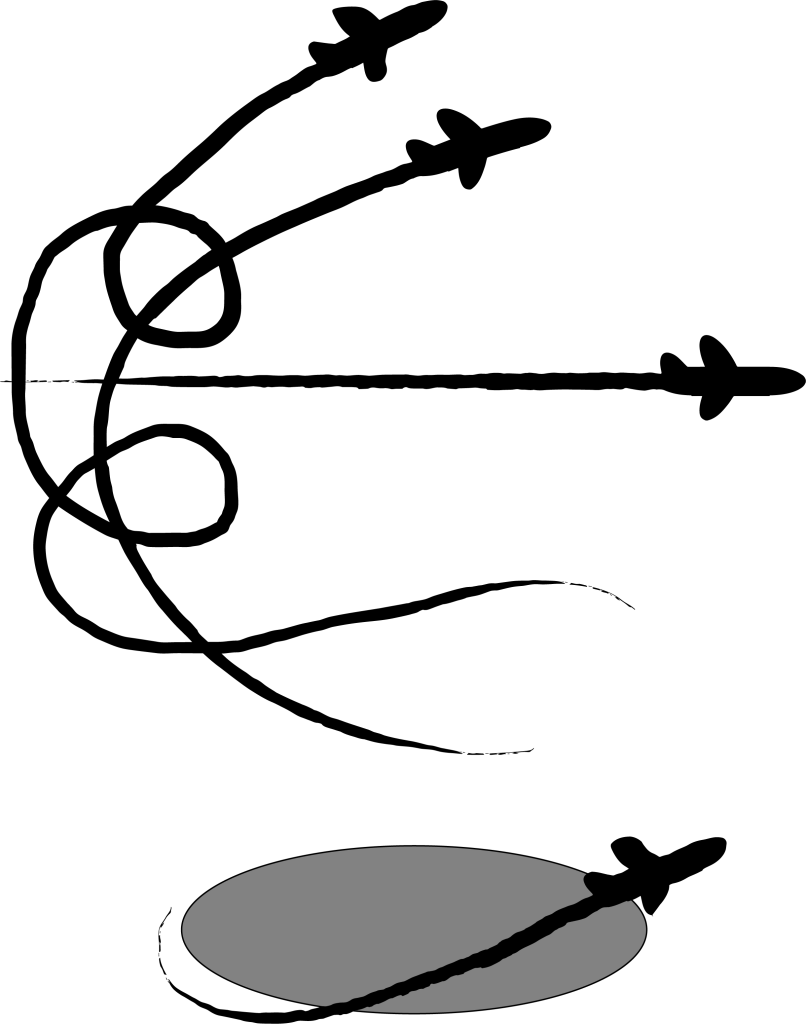
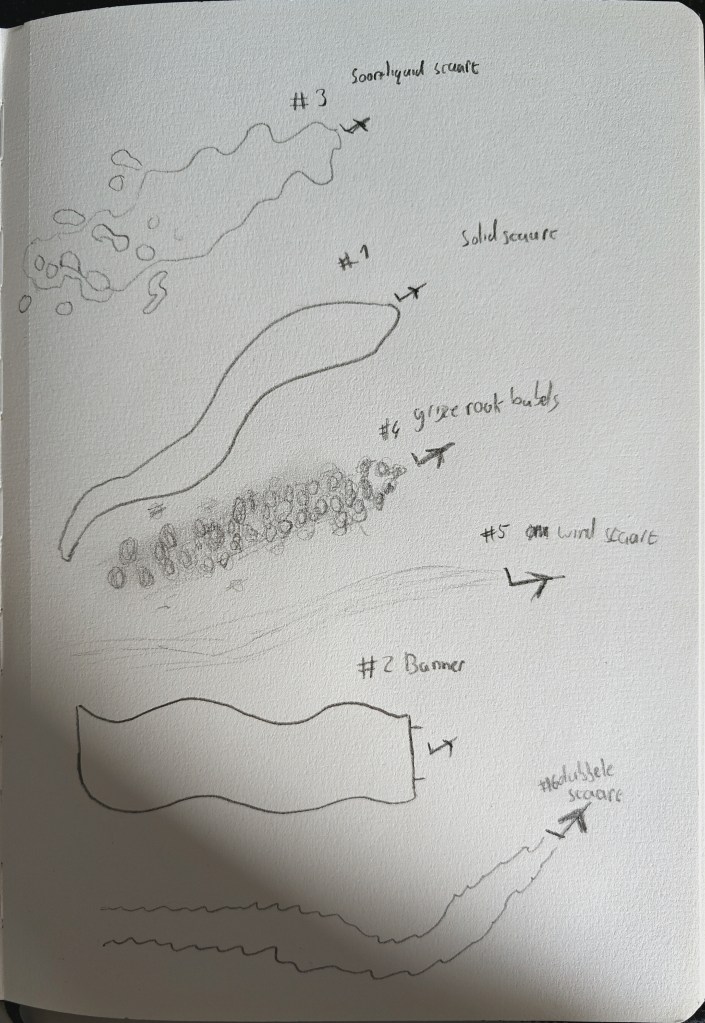
In the first image I made the plane a Brush in Illustrator and wanted to use it more as a pointing character with all of its personality in the way it flies. In the second image I looked at trails I could use for this plane and for most of these I wanted to have the text (when necessary) above it. However I did make a plane with a banner that would have the text in the banner.
This is a story board I made still using the pointing guide character with a text bubble.

This time around with a banner behind it. And I was happy with this character so I ended up using this one for my final product.

This was my inspiration board on pintrest.
 Harmen Kant